BT21 SHOOKY BABY MY LITTLE BUDDY LED Digital Cafe Clock
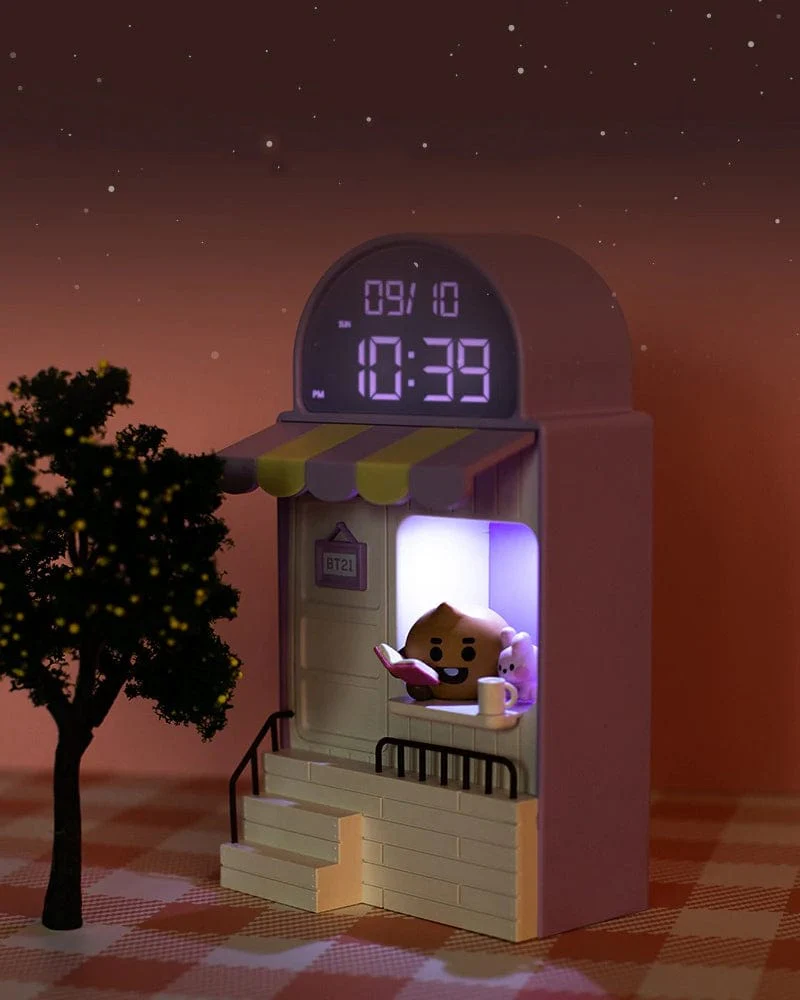
Help SHOOKY set up shop in your room with this digital cafe clock. This clock operates both wired and wirelessly, and it has a date setting to also help you keep track of your days!
Details
Official BT21 Merchandise
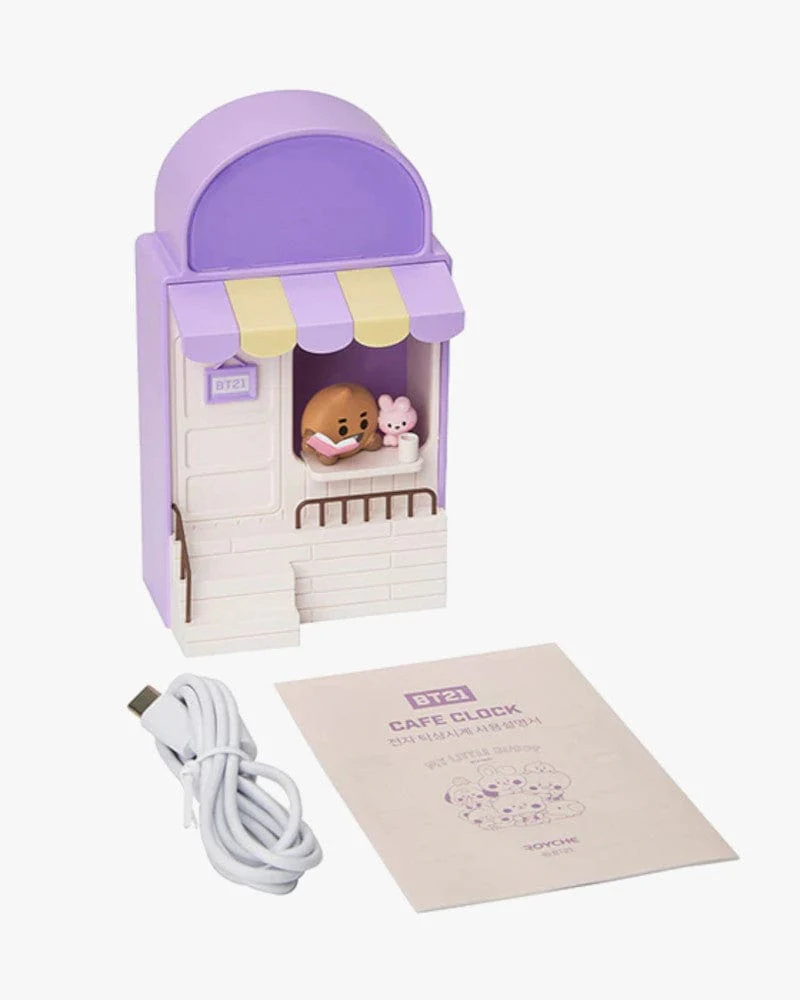
Can be used wirelessly by inserting 3 AAA batteries, or wired via the included USB-C cable. Batteries not included.
Size: Approx. 18cm x 12cm x 8cm.
Materials: ABS, PVC.
How to Use
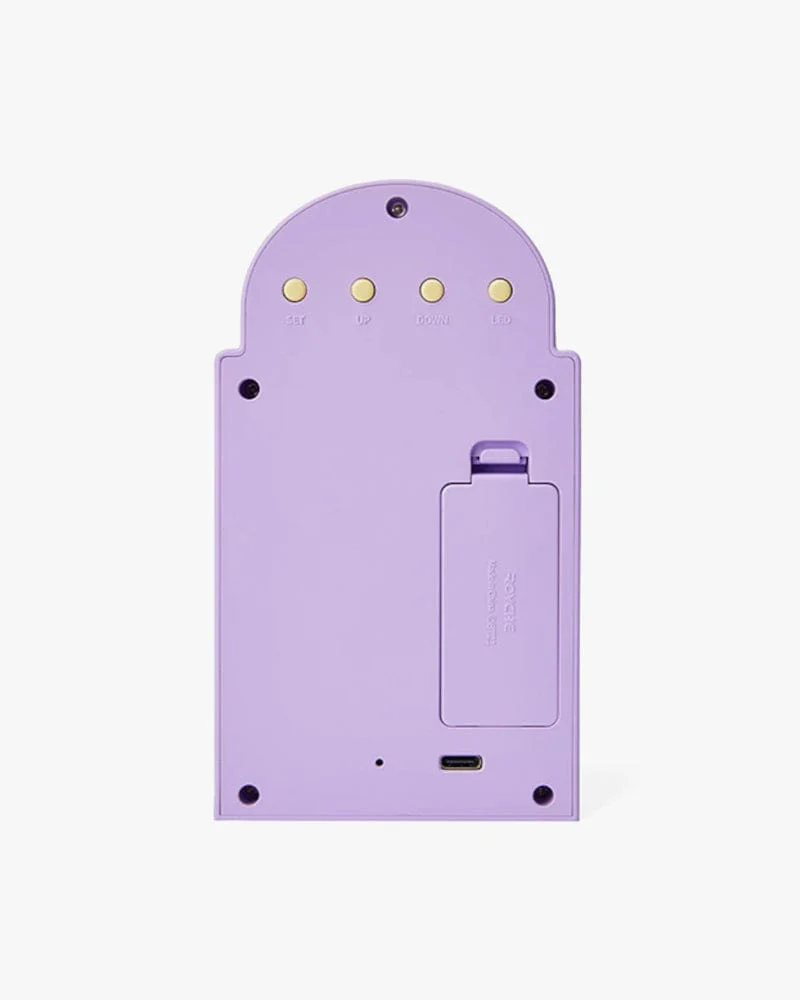
- Remove the back cover and insert 3 AAA batteries, or connect to a power source with the provided USB-C cable.
- Press and hold the "SET" button on the back of the clock for 3 seconds to enter the time setting mode.
- Using the up or down arrows, select the hour, and press "SET". Use the up or down arrows again to select the minutes, and press "SET" once more. Once the time is set, you will be prompted to set the date by repeating the same process.
Product Information
Product Information
Shipping & Returns
Shipping & Returns
BT21 SHOOKY BABY MY LITTLE BUDDY LED Digital Cafe Clock
BT21 SHOOKY BABY MY LITTLE BUDDY LED Digital Cafe Clock
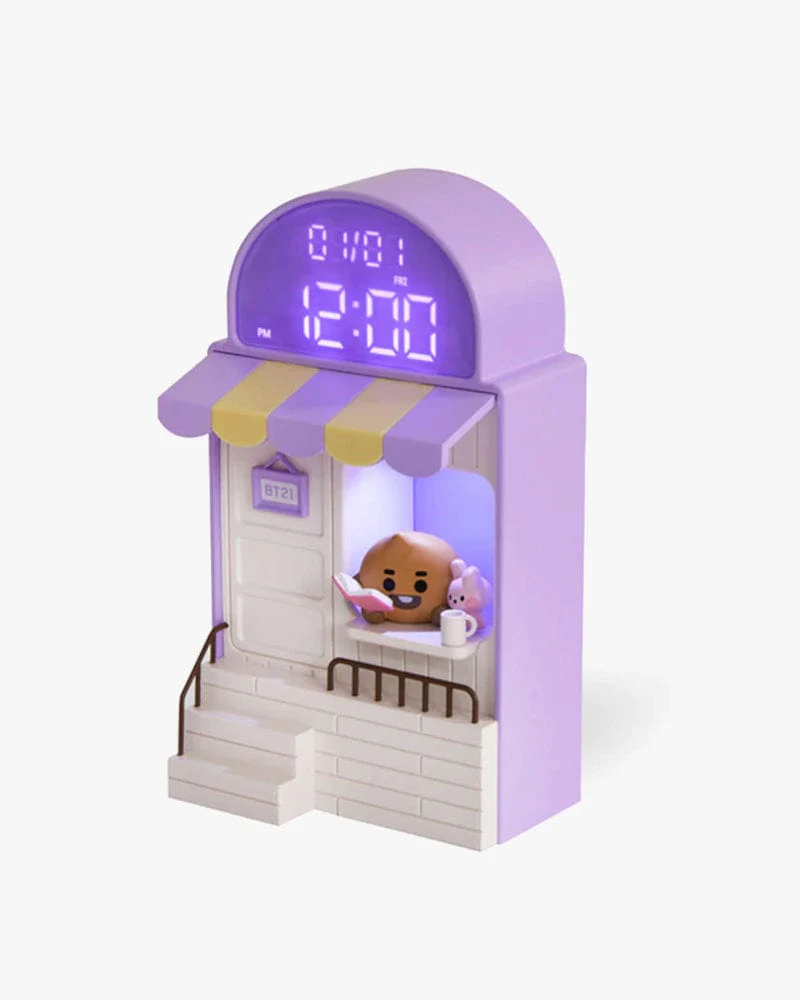
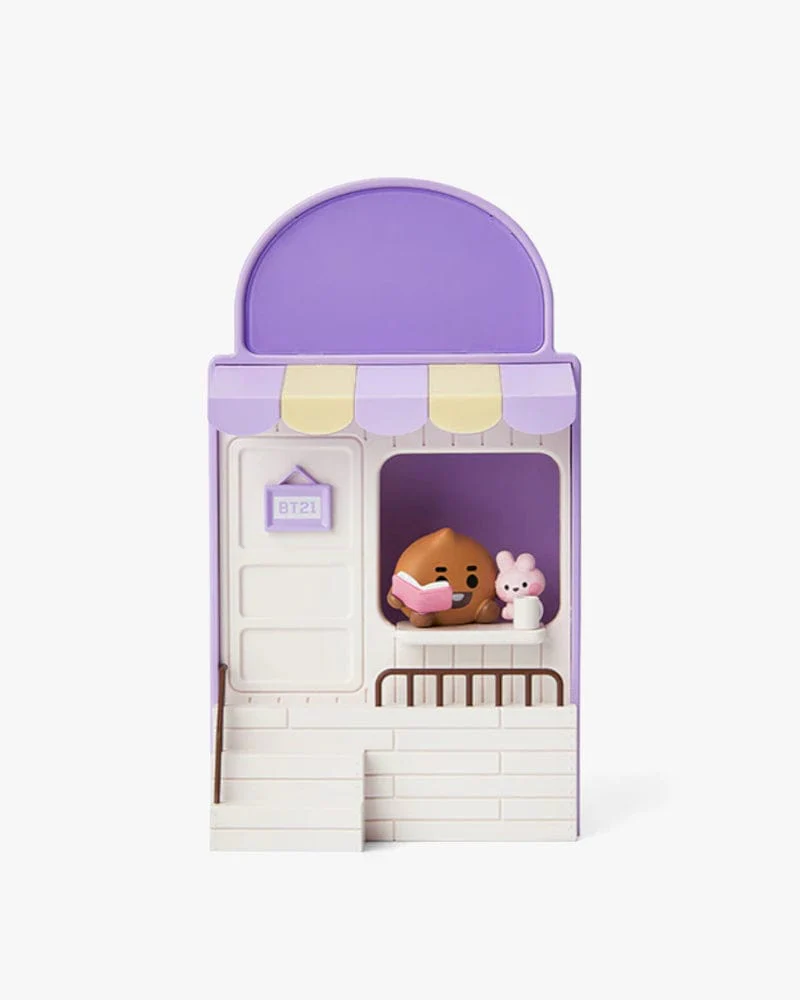
Help SHOOKY set up shop in your room with this digital cafe clock. This clock operates both wired and wirelessly, and it has a date setting to also help you keep track of your days!
Details
Official BT21 Merchandise
Can be used wirelessly by inserting 3 AAA batteries, or wired via the included USB-C cable. Batteries not included.
Size: Approx. 18cm x 12cm x 8cm.
Materials: ABS, PVC.
How to Use
- Remove the back cover and insert 3 AAA batteries, or connect to a power source with the provided USB-C cable.
- Press and hold the "SET" button on the back of the clock for 3 seconds to enter the time setting mode.
- Using the up or down arrows, select the hour, and press "SET". Use the up or down arrows again to select the minutes, and press "SET" once more. Once the time is set, you will be prompted to set the date by repeating the same process.
Original: $33.42
-65%$33.42
$11.70Product Information
Product Information
Shipping & Returns
Shipping & Returns
Description
Help SHOOKY set up shop in your room with this digital cafe clock. This clock operates both wired and wirelessly, and it has a date setting to also help you keep track of your days!
Details
Official BT21 Merchandise
Can be used wirelessly by inserting 3 AAA batteries, or wired via the included USB-C cable. Batteries not included.
Size: Approx. 18cm x 12cm x 8cm.
Materials: ABS, PVC.
How to Use
- Remove the back cover and insert 3 AAA batteries, or connect to a power source with the provided USB-C cable.
- Press and hold the "SET" button on the back of the clock for 3 seconds to enter the time setting mode.
- Using the up or down arrows, select the hour, and press "SET". Use the up or down arrows again to select the minutes, and press "SET" once more. Once the time is set, you will be prompted to set the date by repeating the same process.